



Blazingwildz App
The Blazingwildz app gives you a quicker way to reach our casino on the device you already use most. We do not rely on a store download here. Instead, we offer a PWA shortcut that lets you open Blazing Wildz from your home screen or desktop in one click, with the same account and the same casino environment waiting for you when you sign in.

Benefits and Features of the Blazingwildz App
The main advantage of the Blazingwildz app is not that it changes the casino. It changes how quickly you reach it. On a phone or computer, the shortcut removes a few routine steps between deciding to play and actually getting into the lobby. You do not need to search for the site again, reopen old tabs, or keep the browser cluttered just so the casino stays nearby.
That difference becomes more noticeable over time. A player who checks promotions, opens a short slot session, or returns later to the cashier does not have to start from zero each time. The platform feels easier to reach, and that matters more than flashy packaging.
In practical terms, the app-style format helps with a few things:
- You can launch Blazing Wildz without searching for the site in your browser
- Your account stays the same across mobile and desktop
- The lobby, cashier, and account area remain tied to one profile
- You open the current web version rather than worrying about separate app updates
The shortcut makes everyday access feel easier. You spend less time getting back into the casino and more time using the platform itself. That benefit stays relevant across devices, even though the experience can feel a little different on mobile and desktop.
A quick comparison makes the device differences easier to see.
| Device | How the Blazingwildz app works | What you add | Best use case |
| Android phone or tablet | Opens as a PWA shortcut from Chrome | Home screen shortcut | Quick access to the lobby, cashier, and short gaming sessions |
| iPhone or iPad | Opens as a PWA shortcut from Safari | Home screen shortcut | Fast, tidy launch without reopening the site in the browser |
| Windows PC or laptop | Opens from a browser-installed shortcut | Desktop shortcut | Longer sessions, larger view of the lobby, easier switching between sections |
| Mac | Opens from a browser-installed shortcut | Desktop or dock shortcut | One-click entry with a more focused desktop setup |
Blazingwildz App for Android
Android works well for this kind of access because the shortcut keeps Blazingwildz within easy reach. After you add it to your home screen, getting back into the casino takes less effort than opening the browser and looking for the site again. That small difference makes quick sessions feel much more convenient.
Some users search for Blazingwildz APK, but we do not use an APK here. The shortcut-based version already covers the practical reasons most players look for an app in the first place: faster launch, simpler access, and a familiar account flow. If your main goal is to get into the casino quickly from your phone, the PWA format does that job without adding another file, another store page, or another update cycle.
Android also works naturally for short sessions. A player can open a slot during a break, check an active bonus later, and return to the same account in the evening without dealing with a separate mobile identity. That pattern fits the way many players already use casino content on a phone.
Mobile Application for iOS
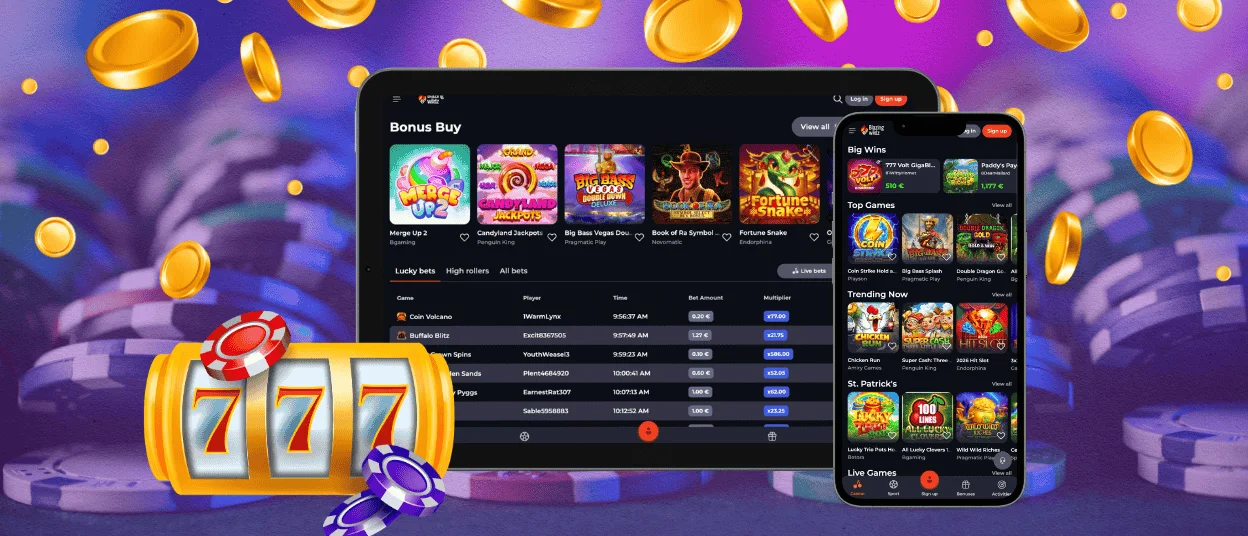
On iPhone and iPad, the Blazingwildz app feels easy to work into everyday use. You can get back to the casino quickly without reopening old tabs or searching for the site again.
Many players prefer iOS for its cleaner feel and more focused layout. The profile, cashier, and game library stay consistent, so moving between iPhone, iPad, and other devices feels natural.
It also suits players who do not want a separate store app taking up space and attention. The shortcut keeps Blazing Wildz close at hand while still connecting you to the same platform you already use elsewhere.
Play Blazingwildz on Mac or Windows
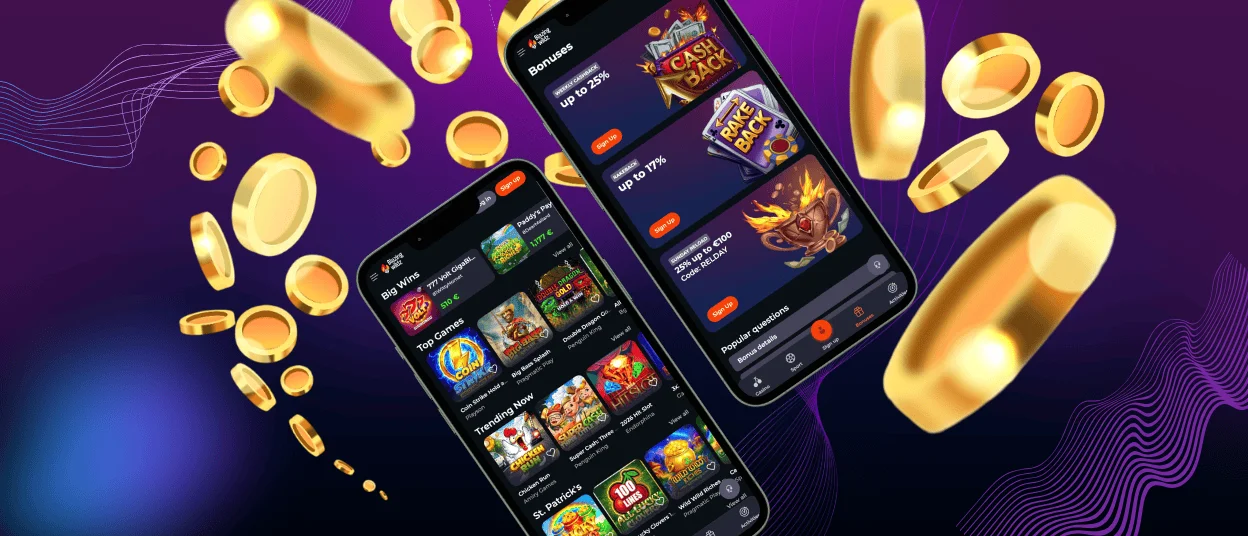
Blazingwildz works especially well on Mac and Windows when you want more room around the platform. Our lobby is easier to browse on a larger screen, and it is more comfortable to compare games when everything is not compressed into a smaller display. That makes a difference during longer sessions, when you want to look around before choosing what to play.
Mobile is usually about speed. Desktop gives you more time and more space. You can move through categories at a calmer pace, switch between the lobby and the cashier, and stay with the platform a little longer without everything feeling crowded.
The same applies when you use several parts of Blazing Wildz in one visit. You might begin with slots, check a live casino table later, and then open the sports section as well. On a larger screen, that kind of session feels easier to manage.
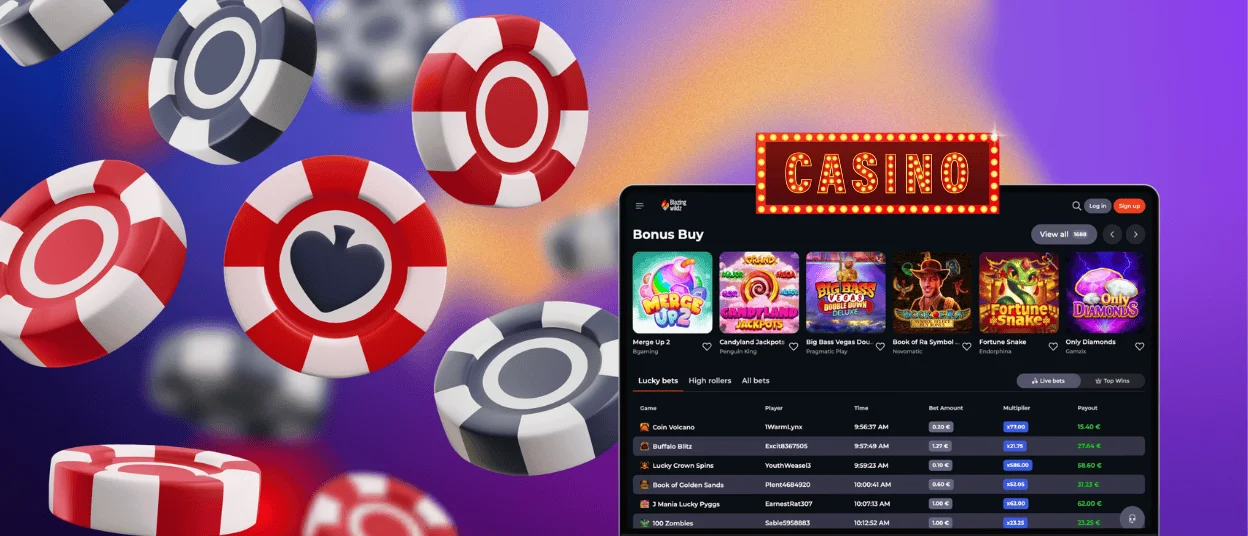
How to Install the Blazingwildz App on Any Device
The setup is not identical on every device, so it is worth looking at how Blazingwildz is added in each case.
- Android. Blazingwildz is added from Chrome to the home screen, where it stays close at hand like a regular app. This works especially well for players who want quick access during shorter sessions.
- iPhone or iPad. On iOS, the shortcut is created through Safari and then saved to the home screen. Once it is there, Blazing Wildz fits naturally into the same space as the apps you already use every day.
- Mac or Windows. Desktop browsers can keep Blazingwildz as a shortcut too. This option makes sense if you prefer opening the casino directly, without going back through bookmarks, history, or old tabs first.
FAQ
Can I log in to the Blazingwildz app with the same account I use on PC?
Yes. You do not need a separate registration for the app-style version. The shortcut opens the same platform, so your usual login details still apply. We also keep account access tied to one player profile rather than splitting mobile and desktop into separate versions.
Are my deposits secure when using the mobile app?
Yes. Using Blazingwildz on mobile does not change the way deposits are processed. We use the same security measures as on desktop, including SSL encryption and account checks where needed to protect payments and withdrawals.
Do I get the same games on mobile as on desktop?
Yes. The Blazingwildz app gives you access to the same casino, so you are not moving to a separate mobile version with a different game selection. The layout may look different on a smaller screen, but the overall game access stays the same.
Is my balance synchronized in real time across devices?
Yes. Your balance belongs to your account, not to the device you happen to use at that moment. If you move from desktop to phone or back again, you are still entering the same profile, with the same account area and transaction logic behind it. The practical benefit is simple: you can switch devices when it suits you without managing separate balances or separate wallets.


